
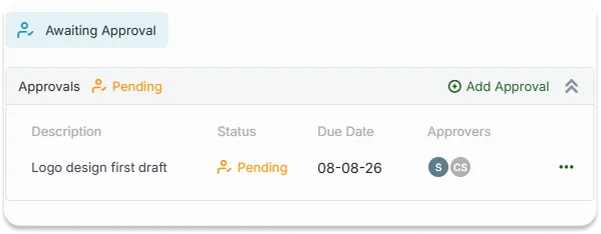
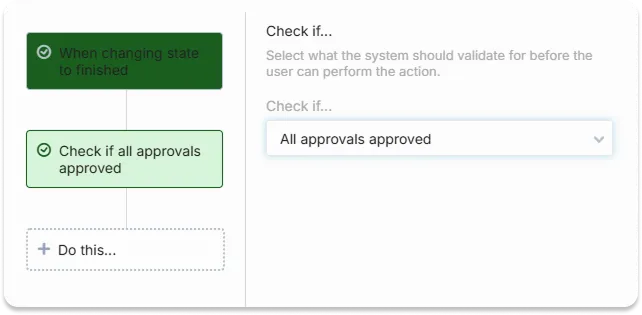
OneDesk Approvals turns “is this okay?” into a formal decision with a name, a date, and a record. Request an approval on a ticket, task, or project, and clients or teammates can approve or decline with a comment. Everyone knows what’s waiting, who it’s waiting on, and what was decided.
Free 14-day trial · No credit card required
Approvals given in a chat message or a hallway conversation are easy to forget and hard to prove. With OneDesk, you add an approval right on the item, with no separate tool to manage. Describe what needs to be decided, attach the files to review, and send it to the person who has to say yes.
A design mockup, a document, a scope change, or a go-live decision can all need a sign-off. Name the approver, set an approve-by date, and add comments and attachments so the reviewer has what they need. Reminders nudge anyone who hasn’t responded, so approvals don’t quietly stall your schedule.
Your clients are busy, so the approval comes to them. They receive an email with the details and can approve or decline right from the message, adding a comment if they like. Their decision is recorded with a timestamp and added to the related ticket or task, giving you a clear trail if anyone asks later what was agreed.
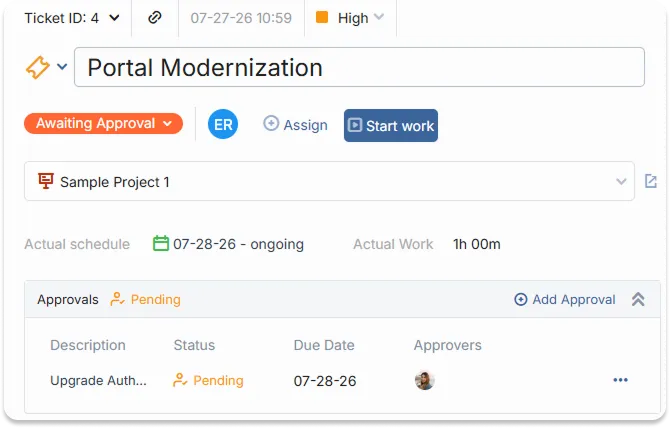
You can request approvals on tickets, tasks, and projects. Add an approval from the item itself, describe what needs a decision, choose approvers, and attach any files for review.
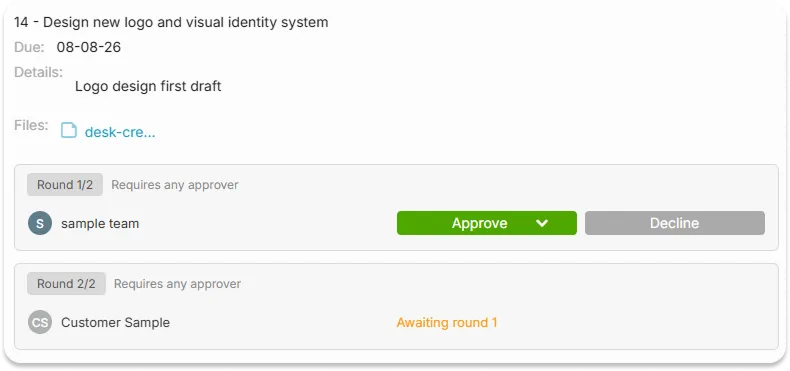
Yes, you can create approvals with multiple rounds. Select the approvers required for each round. The subsequent rounds only starts when the previous has been approved.