Deliver Reliable Technology Support for All City Services
Your IT team supports all city departments, from police to public works. Fast, effective help desk service is essential for city function and public safety. OneDesk manages all IT requests from a single, centralized platform.
Trusted by Municipal Service teams around the world
Struggling to Triage High Volume of Diverse City IT Issues
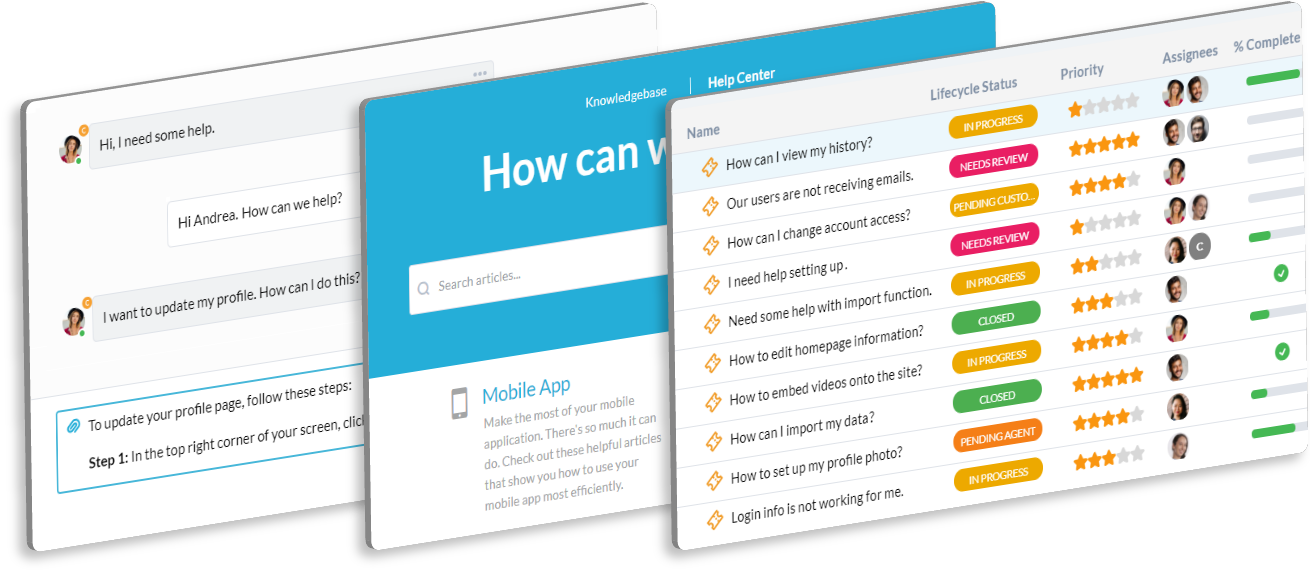
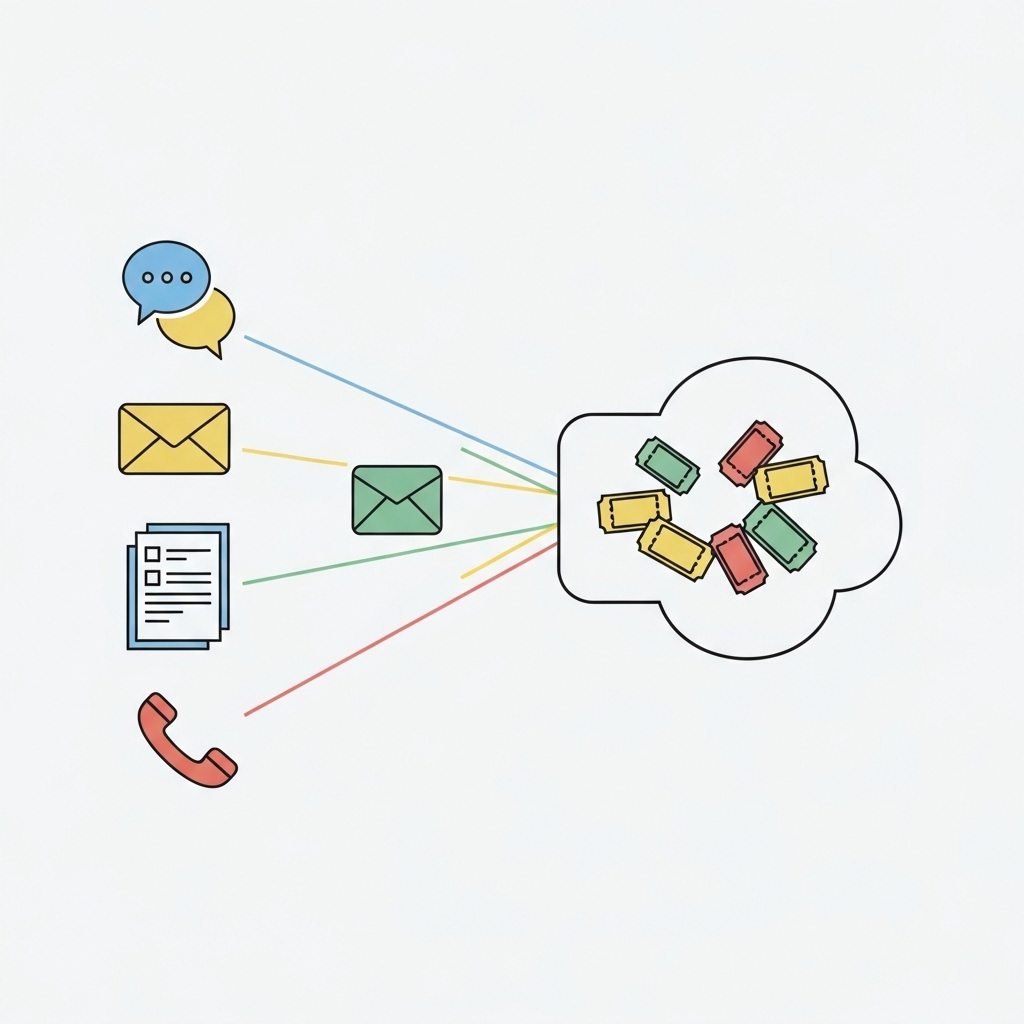
From a fire department software problem to a clerk's workstation issue, your queue is full. OneDesk centralizes all issues from email, chat, and the service portal. It instantly organizes tickets by severity or department. Your team can prioritize critical public services.
Lack of Clear Service Metrics for Public Safety vs. Administrative IT
You need to track service quality for different city groups. Set up Service Level Agreements (SLAs) for critical public safety systems versus general administrative issues. Use reporting to prove you are meeting service expectations for all city staff.
Centralized IT Service Ticketing and Asset Mapping
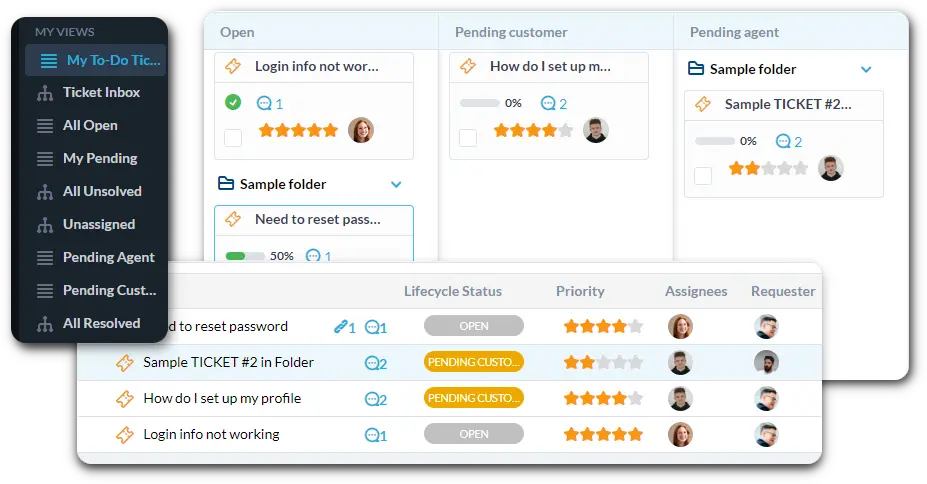
Connect your city help desk email to automatically create tickets. Use custom views to filter by "Police Department Software Issue," "Public Safety Network," or "Administrative Workstation." Track IT assets and link them directly to the user's ticket.
Automate City IT Triage and System Routing
Automation ensures instant attention for high-impact problems. Automatically assign any ticket mentioning "911 system down" or "server failure" to a high-priority queue. Route all general administrative issues to the appropriate IT staff. This reduces manual ticket sorting.
Branded Employee Self-Service Portal
Offer a simple, branded portal for city staff to log their IT issues and requests. They can check the status of their ticket easily. The Knowledge Base can host "How-To" guides for city software, network access, and common equipment. This frees up your agents.
AI Quickly Suggests Fixes for Common City Software Issues
City employees often report similar software or network problems. Paste error logs or detailed user descriptions into the ticket. The AI can summarize the issue and suggest known fixes from your historical data. This significantly speeds up resolution time for technical staff.
Integrate with your tools
Enterprise Grade Security
FAQ
OneDesk has affordable pricing based on your product, plan, and number of user licenses.
See our pricing page for full details.
OneDesk is available both in the cloud and on-premise. Pricing for OneDesk On-Premise is the same as for our Cloud Enterprise plan, but is only available for annual or longer-term subscriptions. To evaluate OneDesk, please sign up for a 14-day free trial of our cloud software. If after evaluation of the software, you would like to purchase on-premise licenses, please Submit a Request we will send you an invoice for the number of users you require.
Of course! You can visit our feature index page for a full list of features. To compare product or plan features see our feature comparison page.
You can ask our AI agent questions via the live chat or knowledgebase in our widget. A human agent is also available to chat during business hours.
We also offer other support options including booking a live demo or submitting an email or ticket.
OneDesk provides a high level of security. You can learn about the measures we take at our security center.
See for yourself how OneDesk can help your team.
14 day free trial. No credit card required.