Keep City IT Systems Reliable and Secure

Municipal IT supports critical public safety, administrative, and utility systems for the city. You need a single system to manage the help desk, projects, and security for sensitive public data. OneDesk is your unified IT work platform.

Trusted by Municipal Service teams around the world

Overwhelmed by Public Safety and Staff IT Issues

City IT is a high-volume, dynamic environment with constant support requests from diverse users. OneDesk turns every issue into a trackable ticket. This allows for quick prioritization of emergency dispatch system failures over routine staff issues. Maximize system uptime for critical services.

Multi-Channel IT Help Desk Ticketing

Provide a portal and connected email for staff to report IT issues. All submissions become tickets. Set up strict SLAs for critical police, fire, or utility system outages. Custom views separate the public safety support queue from the general staff support queue. Support is efficient and focused.

Manage Infrastructure Upgrades and System Rollouts

Treat large projects like the implementation of a new 911 dispatch system or a network upgrade. Break down the project into technical tasks with dependencies. Assign specialized work to system admins or network engineers. Use project roadmaps to plan major system replacements over slow periods. Ensure changes are seamless.

Automate IT Service Desk Triage and Escalation

Automatically assign a "Police CAD System" ticket to the specific public safety administrator. Escalate any ticket categorized as a "Data Breach" to the security team instantly. Send an automated notification to a staff member when their software request is fulfilled. Automation ensures immediate and correct routing of issues.

Track Effort for Public Safety vs. Administrative IT

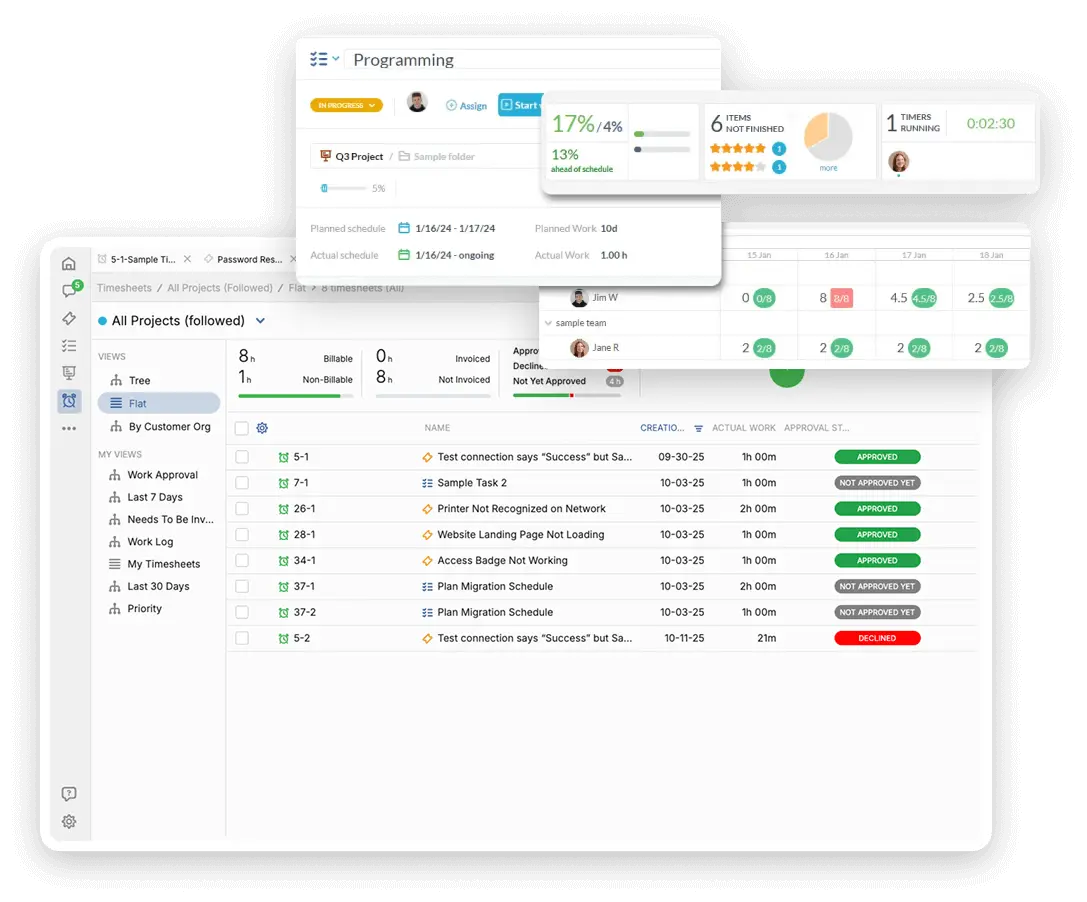
IT is a major cost, and tracking time provides clarity to the city council. Log non-billable time spent supporting critical public safety systems versus administrative services. Track time on specific compliance or security audit projects. Use this data to justify technology budget increases and show the value of your team's support.

AI for Faster Troubleshooting and Documentation

The AI assistant can summarize long user problem descriptions or detailed system logs. Use AI to draft quick, clear documentation for staff on using new administrative software. It can help the help desk categorize incoming issues instantly. This speeds up first-call resolution. Your IT staff spend less time on documentation.

Integrate with your tools

App integrations with OneDesk

Enterprise Grade Security

FAQ

OneDesk has affordable pricing based on your product, plan, and number of user licenses.
See our pricing page for full details. 

OneDesk is available both in the cloud and on-premise.  Pricing for OneDesk On-Premise is the same as for our Cloud Enterprise plan, but is only available for annual or longer-term subscriptions. To evaluate OneDesk, please sign up for a 14-day free trial of our cloud software. If after evaluation of the software, you would like to purchase on-premise licenses, please Submit a Request we will send you an invoice for the number of users you require.

Of course! You can visit our feature index page for a full list of features. To compare product or plan features see our feature comparison page. 

You can ask our AI agent questions via the live chat or knowledgebase in our widget. A human agent is also available to chat during business hours.

We also offer other support options including booking a live demo or submitting an email or ticket. 

OneDesk provides a high level of security. You can learn about the measures we take at our security center. 

See for yourself how OneDesk can help your team.

14 day free trial. No credit card required. 

Scroll to Top