Support your clients. Track the work. Bill for it.
OneDesk Client Ticketing is a help desk built for companies that deliver services to other businesses. Requests arrive by phone, web widget, form, or email and land in one place, where SLAs and automation keep them moving. Time tracking and billing are built in, so every hour you spend for a client can be counted and invoiced without a second system.
Free 14-day trial · No credit card required
Every client channel, one place to work
Clients reach out in different ways, and each message matters. OneDesk brings requests from phone calls, your web widget, request forms, and email into a single help desk. Your team sees the full picture for each client, with no inbox hopping and no lost requests.
Ticket management your whole team can follow
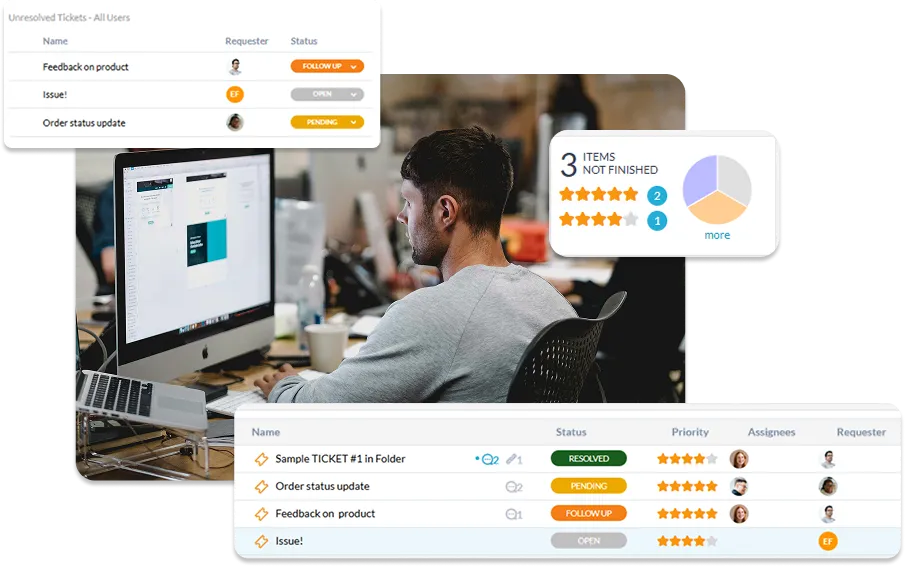
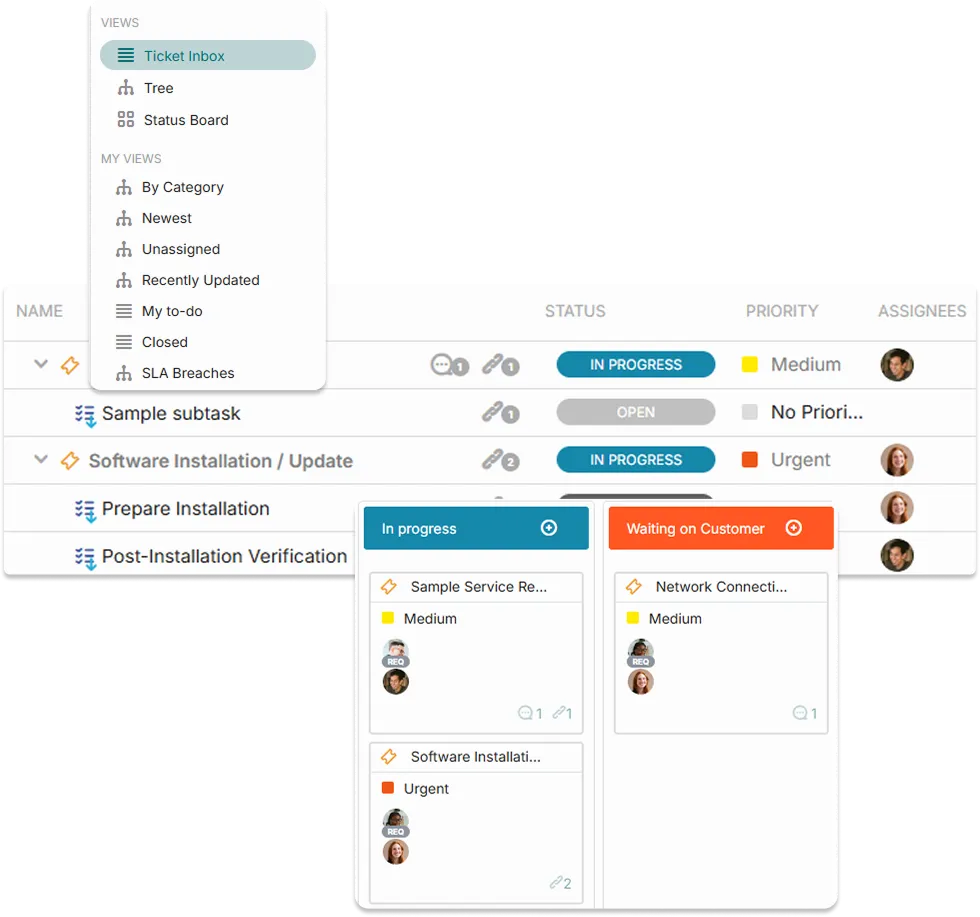
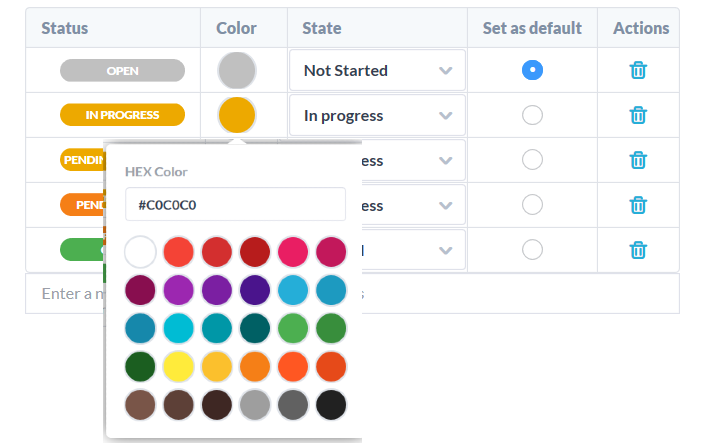
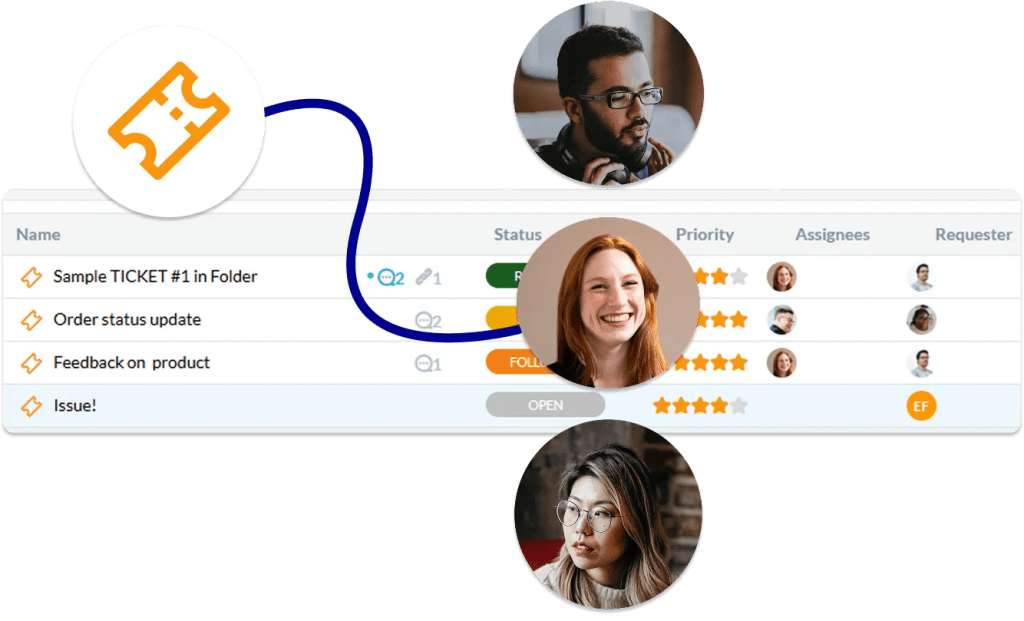
Every request becomes a ticket with a clear status, priority, and owner, so nobody has to ask who’s handling what. Add custom fields to capture the details your services need, attach files, and keep private internal notes separate from replies to the client. Filter and search your tickets to focus on what matters today, whether that’s one client’s open requests or everything due this week.
SLAs that help you keep your promises
When you’ve committed to response and resolution times, you need to see them coming. Set SLAs for your clients and track each ticket against them, so your team knows which requests need attention first. You catch risks before a deadline is missed and can show clients you deliver on your agreements.
Automation that handles the routine
Most client requests follow a pattern, so let automation do the sorting. Route new tickets to the right team, assign owners, set priorities, and send acknowledgments based on rules you define. Your team spends less time on triage and more time solving client problems.
Time tracking built into every ticket
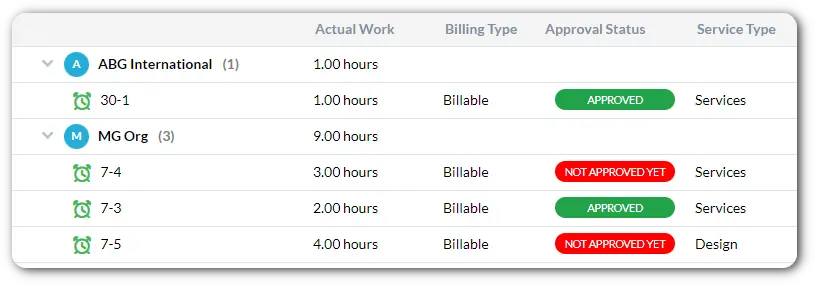
The work you do for clients is the work you get paid for. Log time directly on tickets, with timers or manual entries, so effort is recorded where the work happens. You get an accurate view of how much time each client request really takes.
Billing for time and prepaid hours
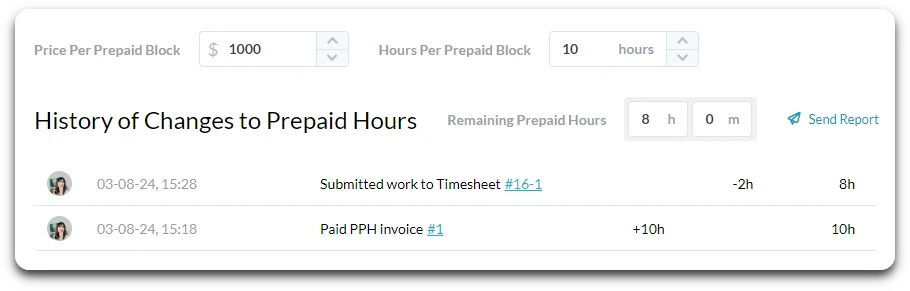
Tracked time connects directly to billing, so you can invoice clients for the hours you’ve worked. If clients buy blocks of prepaid hours, you can draw those hours down as work is completed and see what remains. Fewer spreadsheets and fewer billing surprises mean a smoother relationship with every client.
FAQs OneDesk for client ticketing
Which channels can my clients use to contact us?
Clients can reach you by phone, web widget, request forms, or email. All of these requests come into the same help desk, so your team manages them in one place.
Can I set SLAs for different clients?
Yes. You can set SLAs so response and resolution targets are tracked on client tickets. This helps your team prioritize the right work and meet the commitments you've made.
Can I bill clients for tracked time and prepaid hours?
Yes. Time tracked on tickets feeds into billing, so you can invoice for the hours worked. Prepaid hours can be used up as work is completed, giving you and your client a clear view of what's left.